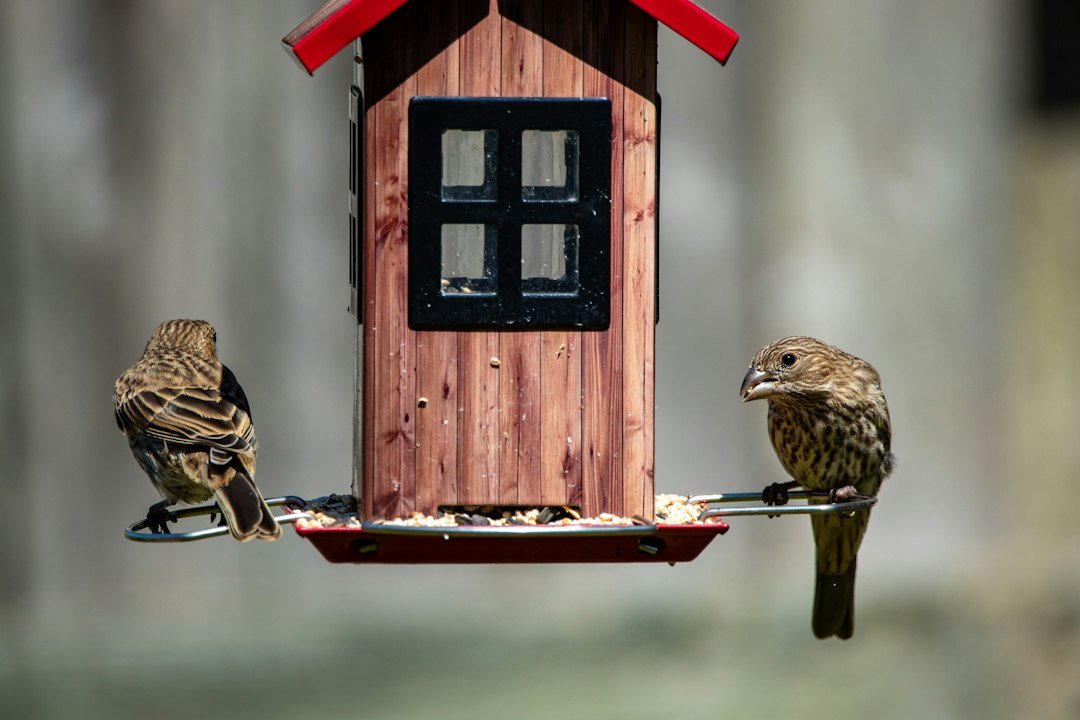
Smart Feeders vs. Traditional Feeders: Which is Right for You?
Oct 26, 2026
Photo by Joshua J. Cotten on Unsplash
Congratulations on your new The Egg by BirdReel! This compact, high-resolution camera is designed to bring you closer to nature, whether you're observing birds, bees, or other backyard visitors. Getting started is simple, and we're here to guide you through every step of unboxing and setup.
Carefully open your package to reveal your Egg camera, a mounting bracket, and necessary screws. You might also have ordered optional accessories like the Suction Cups or Magic Arms for versatile placement. Ensure you have a smartphone or tablet ready, and a stable Wi-Fi connection.
First, attach The Egg to its mounting bracket. Then, download the BirdReel app from your device's app store. Follow the in-app instructions to connect The Egg to your Wi-Fi network. This usually involves scanning a QR code generated by the app with The Egg's camera. Once connected, you can customize settings like motion detection and recording quality.
Tip: For optimal performance, especially during winter bird feeding, ensure your Wi-Fi signal is strong where you plan to place your camera. This device also makes a fantastic Christmas gift for the nature lover in your life!
Choose what we may store. You can change this anytime via “Cookie preferences” in the footer.